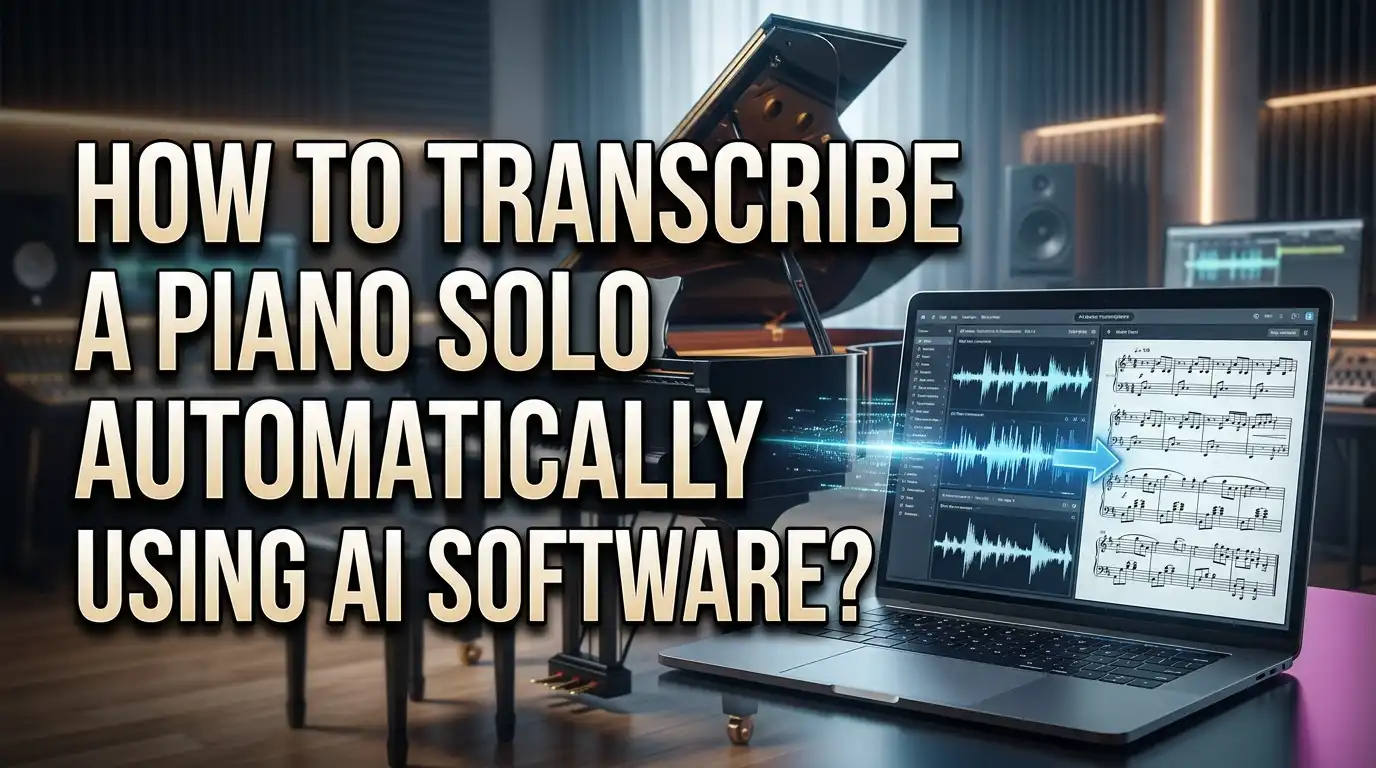
How to Transcribe a Piano Solo Automatically Using AI Software?
Transcribing a piano solo by ear takes hours. You listen, pause, rewind, and write each note down. Many players give up halfway. The good news is that AI software can do most of this work for you now. You upload an audio file, and the tool returns notes, MIDI, or sheet music in minutes.
This guide shows you how to transcribe a piano solo automatically using AI software. You will learn which tools work best, how to prepare your audio, and how to clean up the results. You will also see the pros and cons of each method, so you can pick the right one for your needs.
Let us start.
In a Nutshell
Here is a quick summary of everything you will learn in this post. Read these points first, then dive into the full guide below.
- AI piano transcription works by listening to audio and predicting notes. Tools use machine learning models that detect pitch, timing, and note length. You get MIDI files, sheet music, or both.
- Clean audio gives better results. A solo piano recording with no background noise produces the most accurate transcription. Noisy or layered tracks lower accuracy.
- Popular tools include Basic Pitch, AnthemScore, Klangio, and Magenta Onsets and Frames. Some are free and open source, while others charge per song or by subscription.
- No AI tool is 100 percent accurate. Expect roughly 80 to 90 percent accuracy on clean piano audio. You will still need to fix some notes by hand.
- You need a notation editor to polish the output. Software like MuseScore lets you correct mistakes, fix rhythm, and export a clean PDF.
- The full workflow is simple. Record or find your audio, upload it, let the AI transcribe, then edit and export. Most jobs take under 30 minutes.
What Does AI Piano Transcription Actually Do
AI piano transcription turns sound into written notes. The software listens to your audio file. Then it predicts which keys were pressed and when. It outputs this data as MIDI, sheet music, or a piano roll.
The technology behind this is called Automatic Music Transcription, or AMT. It uses neural networks trained on thousands of piano recordings. The model learns to match sound patterns to specific notes. This is why modern tools work so much better than older pitch detectors.
The AI tracks three main things. First, it detects the onset, which is the exact moment a note starts. Second, it tracks the frame, which is how long the note lasts. Third, it estimates velocity, or how hard the key was struck. Together, these create a realistic transcription.
Piano is one of the easiest instruments for AI to transcribe. The notes have a clear start and a steady decay. This makes the timing easy to detect. Still, the piano can play many notes at once. This is called polyphony, and it makes the job harder.
When two notes share similar frequencies, the AI can confuse them. For example, C3 and C4 share harmonic content. The model must untangle these overlapping sounds. Good tools handle this well, but they still slip up on dense chords.
Knowing how the tool thinks helps you set fair expectations. The AI gives you a strong starting point. It does not give you a finished score. You will edit the result, and that is normal.
Why Choose AI Over Manual Transcription
Manual transcription means writing every note by ear. This builds skill, but it takes a long time. A three minute solo can take a trained musician several hours. For beginners, it can take days.
AI software changes this. It processes the same solo in seconds or a few minutes. You spend your time editing instead of guessing. This saves hours of repetitive work.
Here are the main reasons people choose AI transcription. It is fast, it is affordable, and it does not require advanced ear training. A casual player can get usable sheet music without years of practice.
There is a tradeoff, though. Manual transcription captures musical feel that AI often misses. A human hears phrasing, dynamics, and intent. The AI hears frequencies. So the human version may read more naturally.
Pros of AI transcription:
- It is fast and processes audio in minutes.
- It costs less than hiring a professional transcriber.
- It needs no advanced music theory or ear training.
- It gives editable MIDI you can reuse in other software.
Cons of AI transcription:
- It makes errors on complex or fast passages.
- It struggles with pedal, dynamics, and phrasing.
- It still needs manual cleanup afterward.
- It can misread rhythm in expressive playing.
For most hobbyists and content creators, the speed and low cost win. You get a working draft fast. Then you polish it. That balance is hard to beat for everyday projects.
What You Need Before You Start
A little preparation improves your results a lot. Gather these items before you upload anything. This saves you from redoing the work later.
First, you need a clean audio file. Solo piano with no drums, vocals, or background noise works best. Formats like WAV, MP3, or M4A all work with most tools.
Second, you need an internet connection or installed software. Web tools run in your browser. Desktop apps like AnthemScore run offline once installed. Pick based on your privacy and speed needs.
Third, you need a notation or MIDI editor. MuseScore is a strong free choice for editing sheet music. A digital audio workstation, like a free DAW, helps if you only want MIDI.
Fourth, you need realistic expectations. The AI gives you a draft. Plan to spend time fixing wrong notes and rhythms. The cleaner your input, the less you fix.
Fifth, check the length of your audio. Some free tools cap uploads at a few minutes. Trim long recordings into shorter sections if needed. This also improves accuracy on each part.
One more tip. If you are recording the piano yourself, place the microphone close. Reduce room echo and background hum. A dry, clear recording always beats a muddy one. The AI cannot fix what it cannot hear clearly.
Step 1: Prepare and Clean Your Audio
Good input creates good output. This step matters more than the tool you pick. Spend a few minutes here, and your transcription will improve.
Start by checking the audio for noise. Listen for hiss, hum, or background chatter. If you hear these, run the file through a noise reduction tool first. Free editors like Audacity handle this well.
Next, isolate the piano if other instruments are present. The AI works best on a single instrument. If your track has bass or drums, use a stem separation tool to pull out the piano. Several AI based separators exist online.
Then trim silence from the start and end. Long quiet sections confuse some tools. Cut the file so it begins right when the music starts. This keeps the timing clean.
Normalize the volume too. Very quiet recordings hide soft notes from the AI. Boost the level so the loud and soft parts are clear. Do not push it into distortion, though.
Finally, convert the file to a supported format. WAV gives the best quality because it is uncompressed. MP3 works fine for most cases and uploads faster. Avoid heavily compressed or low bitrate files.
A clean, dry, single instrument recording is the goal. When your audio sounds clear to your own ears, the AI will read it better. This single step often raises accuracy by a large margin.
Step 2: Choose the Right AI Transcription Tool
Different tools suit different goals. Some give MIDI only. Others produce full sheet music. Pick based on what you actually need at the end.
If you want free MIDI output, Basic Pitch by Spotify is a strong start. It runs in your browser and handles polyphonic piano well. It is open source and lightweight.
If you want sheet music with a desktop app, AnthemScore is a common pick. It converts audio to notation and exports many formats. It works offline once installed.
If you want fast online sheet music, Klangio is popular. You upload audio or paste a link, and it returns notation quickly. It exports MIDI, MusicXML, and PDF.
If you are a developer or researcher, Magenta Onsets and Frames offers high accuracy. It runs through code or a notebook. It is powerful but needs technical setup.
Match the tool to your skill level and your budget. Beginners should start with browser tools. Advanced users can explore open source models for more control. Try two or three and compare the results on the same file.
Step 3: Using Basic Pitch for Free MIDI Output
Basic Pitch is a free tool from Spotify. It converts audio into MIDI using machine learning. It works in your web browser, so you install nothing.
To use it, open the site and drop your audio file in. The tool processes the recording faster than real time on most computers. Within seconds, you see a piano roll of detected notes.
Basic Pitch is polyphonic. This means it tracks several notes at once, which is essential for piano. It also detects note timing and length. You then download the result as a MIDI file.
The MIDI output is a starting point, not a finished score. Open it in a notation editor to turn it into readable sheet music. From there, you fix wrong notes and clean up the rhythm.
Pros of Basic Pitch:
- It is completely free and open source.
- It runs in the browser with no installation.
- It is fast and uses few computer resources.
- It handles multiple notes at once.
Cons of Basic Pitch:
- It outputs MIDI, not finished sheet music.
- It can add stray notes on dense chords.
- Rhythm often needs manual quantizing.
- It lacks built in notation editing.
Basic Pitch suits anyone who wants a quick, free MIDI draft. It is ideal if you plan to edit in a DAW or notation app anyway. For pure sheet music in one step, you may prefer other tools.
Step 4: Using AnthemScore for Sheet Music
AnthemScore is a desktop app built for transcription. It converts audio files into sheet music and tabs. It uses neural networks to detect notes from your recording.
You install the app and load your audio file. The software analyzes the recording and shows a spectrogram alongside detected notes. You can see exactly where each note sits in time.
Users report roughly 80 to 90 percent accuracy on clean piano audio. This is strong for an automatic tool. Complex chords and fast runs still cause some errors, as with any AI.
A useful feature is the built in editor. You can drag notes to fix pitch or timing right inside the app. This saves you from jumping to another program for small fixes.
Pros of AnthemScore:
- It produces full sheet music, not just MIDI.
- It runs offline, which protects your privacy.
- It includes a visual spectrogram for editing.
- It exports many formats including PDF and MusicXML.
Cons of AnthemScore:
- It is a paid app after the trial.
- It still makes errors on busy passages.
- It has a learning curve for new users.
- It needs a reasonably powerful computer.
AnthemScore fits users who want a complete offline solution. It is good for those who transcribe often. If you only need one quick transcription, a free web tool may be enough.
Step 5: Using Klangio for Quick Online Results
Klangio is an online transcription service. It turns audio into sheet music through your browser. It also accepts links, so you can transcribe from video sources.
The workflow is simple and quick. You upload your music or paste a link. Then the AI identifies the notes. From upload to sheet music takes only seconds.
Klangio exports several formats. You can get MIDI, MusicXML, and PDF. This makes it easy to move your transcription into other software for editing.
The service often runs as separate apps for different instruments. There is usually a piano focused option. This specialization can improve accuracy compared to general tools.
Pros of Klangio:
- It is very fast and easy to use.
- It works in the browser with no install.
- It accepts both files and links.
- It exports MIDI, MusicXML, and PDF.
Cons of Klangio:
- Full features usually require payment.
- It needs an internet connection.
- It can miss notes in complex sections.
- You still edit the output for a clean score.
Klangio suits people who value speed and convenience. It is great for quick drafts and casual projects. For heavy or private work, an offline app may serve you better.
Step 6: Using Magenta Onsets and Frames for High Accuracy
Magenta Onsets and Frames is a research grade model from Google. It set a high standard for piano transcription. It detects note onsets and note frames together for better timing.
This dual approach is why it performs so well. The model predicts when each note starts and how long it lasts. It even estimates velocity, so the result captures dynamics.
You can run it through a code notebook. You upload your audio, run the model, and download a MIDI file. The output is often very accurate on solo piano.
This tool is more technical than the others. You need some comfort with code or notebooks. The setup takes longer, but the quality rewards the effort.
Pros of Magenta Onsets and Frames:
- It offers very high transcription accuracy.
- It is free and open source.
- It captures note velocity and dynamics.
- It is trusted in the research community.
Cons of Magenta Onsets and Frames:
- It requires technical setup and coding.
- It outputs MIDI, not finished sheet music.
- It is harder for beginners to use.
- It needs more computing power.
This model fits advanced users and developers. If you want the best automatic piano results and can handle code, it is worth trying. Beginners should stick with browser tools first.
Step 7: Editing and Cleaning the Transcription
No AI gives you a perfect score. Editing is where you turn a rough draft into clean sheet music. This step is essential, so do not skip it.
Open your MIDI or MusicXML file in a notation editor. MuseScore is a free and capable choice. Import the file, and you will see the notes laid out on staves.
First, fix the wrong notes. Play back the score and compare it to the original audio. Listen carefully for added or missing notes. Correct them by clicking and dragging.
Next, fix the rhythm. AI often misreads timing in expressive playing. Use the quantize feature to snap notes to a clean grid. This makes the score readable.
Then set the correct time signature and key. The AI may guess these wrong. Adjust them so the notation matches the real piece. This step fixes many display errors at once.
Finally, add the human touches. Insert dynamics, pedal marks, and phrasing. These are things the AI usually misses. They make the score feel like real music.
Editing takes patience, but it is faster than transcribing from scratch. The AI did the heavy lifting. You are just polishing. With practice, this cleanup becomes quick and easy.
Step 8: Exporting Your Final Sheet Music
Once your score looks right, you export it. The format you choose depends on how you will use the music. Plan this before you export.
For printing or reading, export a PDF. This format looks the same on every device. It is the standard for printed sheet music.
For further editing in other software, export MusicXML. This format keeps all note data intact. You can open it in almost any notation program later.
For music production, export MIDI. This lets you load the notes into a DAW. You can then change instruments or build an arrangement around the piano.
Save your project file too. Keep the editable version in your notation software. If you spot a mistake later, you can fix it without starting over.
Check the final output one more time before you share it. Print a test page or open the PDF on another screen. Make sure nothing is cut off or misaligned. A quick review saves embarrassment later.
With the file exported, your transcription is done. You took raw audio and turned it into clean, shareable sheet music. The AI handled the hard part, and you guided it to the finish.
Common Mistakes to Avoid
A few simple mistakes ruin many transcriptions. Knowing them helps you avoid wasted time. Keep these in mind throughout the process.
The biggest mistake is using poor audio. Noisy or layered recordings confuse the AI. Always clean and isolate the piano first. This single fix solves most accuracy problems.
Another mistake is trusting the output blindly. The AI makes errors, even on clean audio. Always check the result against the original. Never assume the first draft is correct.
People also forget to set the right key and time signature. The AI guesses these, and it often guesses wrong. Wrong settings make the whole score hard to read. Fix them early.
Skipping the editing step is another common error. The raw output is rarely ready to use. Editing turns a messy draft into a clean score. It is the most important part.
Finally, some users expect human level results. AI is a tool, not a replacement for musical judgment. It misses feel, phrasing, and intent. Treat it as a fast first draft, and you will be happy.
Avoid these traps, and your workflow stays smooth. Good audio, careful checking, and patient editing produce great results. The tools are powerful when you use them the right way.
Tips to Improve Transcription Accuracy
Small habits raise your accuracy a lot. These tips work across every tool. Apply them, and your drafts get cleaner.
Record at a steady tempo if you can. AI reads consistent rhythm more easily. Wild tempo changes confuse the timing detection. A metronome helps when you record.
Use a real piano or a quality sample. Clean, natural piano sound transcribes best. Tinny or heavily processed sounds throw off the model.
Split long pieces into shorter sections. Transcribe each part separately, then join them. This keeps accuracy high and downloads small. It also makes editing simpler.
Try more than one tool on the same file. Compare the outputs side by side. Sometimes one tool nails a passage another misses. Pick the best parts from each.
Play cleanly when you record. Avoid heavy pedal blur and mushy chords. Clear articulation gives the AI sharp note starts to detect. This directly improves the result.
These habits cost little effort but pay off a lot. The cleaner your playing and recording, the less editing you do. Over time, your transcriptions get faster and more accurate.
Frequently Asked Questions
Can AI transcribe a piano solo perfectly?
No, AI cannot transcribe perfectly yet. On clean solo piano, expect roughly 80 to 90 percent accuracy. The tools handle most notes well, but they miss some in fast or dense passages. You will always need to edit the result by hand to get a clean, accurate score.
Is there a free way to transcribe piano with AI?
Yes, several free options exist. Basic Pitch by Spotify runs free in your browser and outputs MIDI. Magenta Onsets and Frames is free and open source for technical users. You can then edit the results in MuseScore, which is also free. This gives you a full transcription workflow at no cost.
What audio format works best for AI transcription?
WAV gives the best results because it is uncompressed and keeps full quality. MP3 also works well and uploads faster. Avoid low bitrate or heavily compressed files, since they lose detail. Most importantly, use a clean recording of solo piano with no background noise or other instruments.
Do I still need to know music theory?
You do not need advanced theory to run the tools. The AI detects the notes for you. However, basic theory helps a lot during editing. Knowing key signatures, time signatures, and note values lets you spot and fix errors quickly. So some theory makes the process smoother.
Can AI transcribe piano from a YouTube video?
Yes, some tools accept links or extracted audio. Klangio, for example, can work from a link. For other tools, you download the audio first, then upload the file. Just remember that background noise or other instruments in the video will lower accuracy, so isolate the piano when you can.
How long does AI piano transcription take?
The AI part is very fast, often just seconds to a few minutes. Basic Pitch runs faster than real time on most computers. The longer part is editing. Cleaning up a three minute solo usually takes 15 to 30 minutes, depending on how complex the music is.
Final Thoughts
AI software makes piano transcription faster than ever. You upload your audio, let the model detect the notes, then edit the draft into clean sheet music. The whole job often takes under 30 minutes.
No tool is perfect, and that is fine. The AI handles the slow, repetitive work. You add the musical judgment it lacks. Together, you get strong results without spending hours by ear.
Start with a free tool like Basic Pitch. Clean your audio, check the output, and polish it in MuseScore. With a little practice, you will turn any piano solo into readable sheet music with ease.

Dillip is the founder and lead writer at PlayItLoudFinds.com, where he combines his deep passion for music with hands-on experience to deliver honest, in-depth reviews and comparisons of musical instruments, gear, and accessories.